OAL Locations
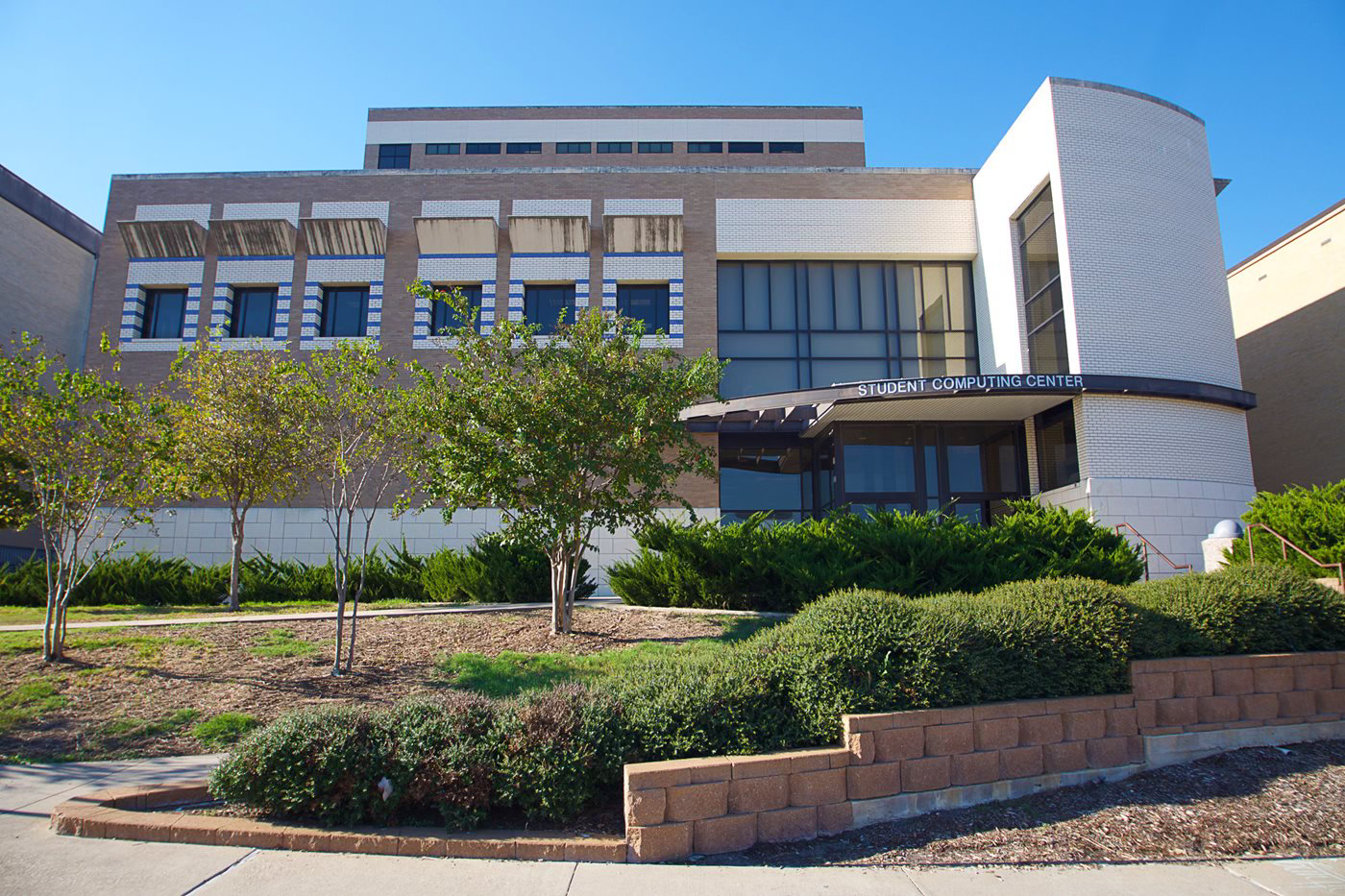
Open Access Labs (OAL) manages two (2) full-service computer labs and many other supported locations around campus. Additionally, Texas A&M students and faculty have an Open Access Labs (OAL) account that provides them with drive storage space, a profile, printing, access to hundreds of software applications, use of Aggie Virtual Desktop (AVD), and the ability to create and maintain a personal webpage (people.tamu.edu).

Available Equipment

Dual Monitors
The Student Computing Center and Blocker Open Access Lab feature dual monitor PCs for a larger desktop work space.

Docking Stations
Connect your laptop to an Open Access Lab docking station for a full size screen, keyboard and mouse.

Solstice Pods
Collaborate with your group while sharing your desktop on a large screen Solstice Pod.

iMacs
The Student Computing Center and Blocker Open Access Lab offer iMacs with Retina displays.

Mobile Whiteboards
Mobile whiteboards to collaborate or write out your work are available at both the Student Computing Center and Blocker Open Access Lab.
Equipment Locations
OAL workstations and printers are available in our two (2) staffed labs and located all over campus. The plotter is located in the Student Computing Center (SCC).
Open Access Lab (OAL) Computer Workstation Locations Open Access Lab (OAL) Printer Locations & TypesOAL Classroom Reservations
There are seven Open Access Labs (OAL) classrooms located across campus. Each classroom is equipped with computers, a video projector, a video & document cameras and an instructor's terminal. The OAL classrooms' primary purpose is to provide support for student computing instruction. Reservation requests for other university uses will be granted on a case-by-case basis.
Account Details
Texas A&M students and faculty have an Open Access Labs (OAL) account that provides them with drive storage space, the ability to publish a personal web page, and access to printing software, the Aggie Virtual Desktop (AVD), lab hardware and video workstations. Texas A&M staff members have a basic OAL account that includes access to computers, software and hardware in the labs, and access to the AWD. Additional services, including printing, drive space and personal web pages are determined by each department. ** To access the Manage my OAL Account you must be on campus or, from off campus, use the Virtual Private Network (VPN) or the Aggie Virtual Desktop (AVD). **